AI-native development workspace

Code, automate and ship without leaving your workspace.

ScriptExpert combines a professional editor, project-aware Cline Agent, terminal, local web server, database manager and embedded browser for Windows and Linux.
Free edition available Lifetime updates Current version 0.1.96
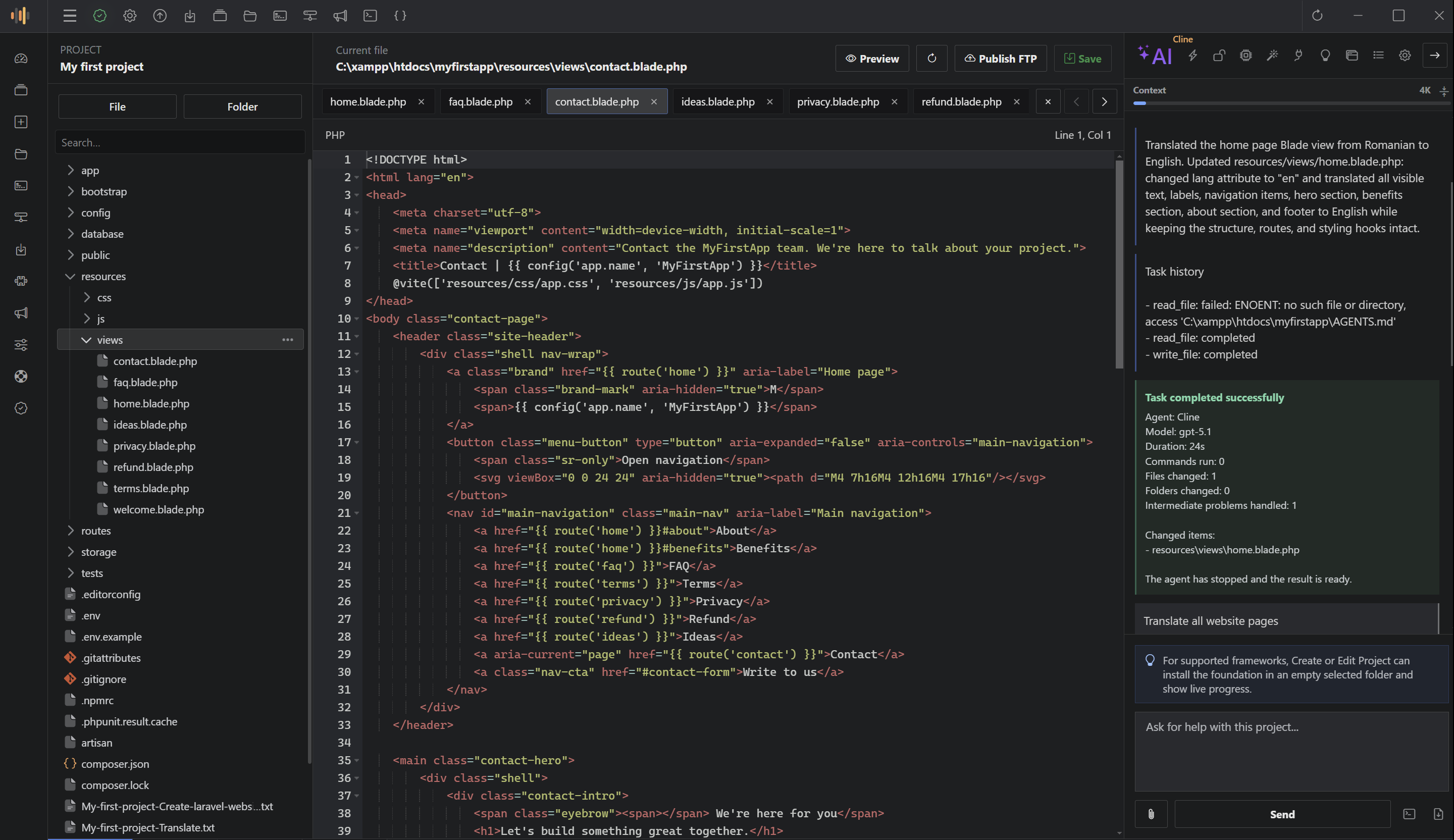
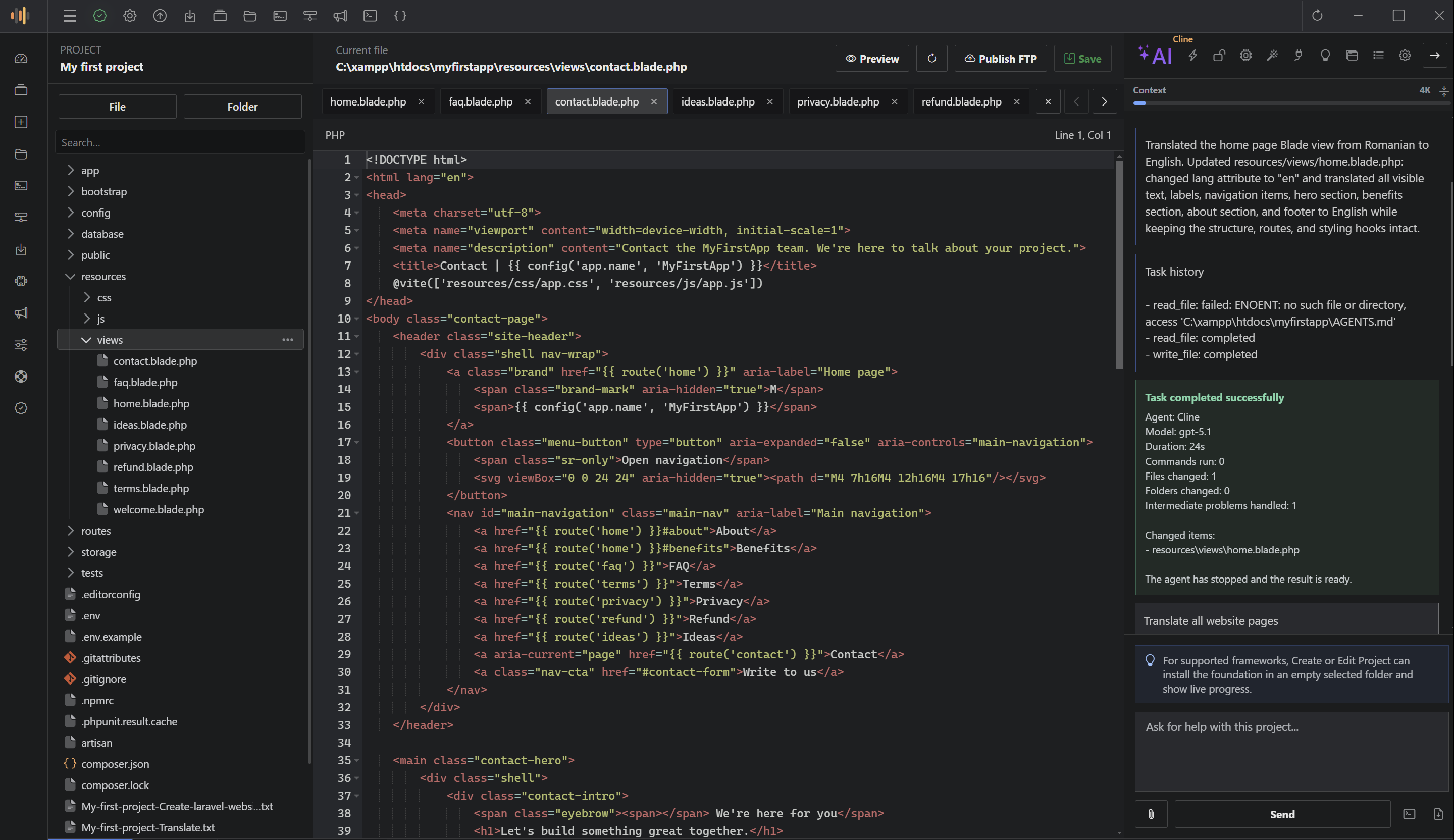
ScriptExpert Editor + AI Agent
ScriptExpert editor with project files and integrated Cline AI Agent
13AI providers
13interface languages
2desktop platforms
1complete workspace
Choose your platform

One product. Native downloads for Windows and Linux.

Use the same core workflow on both platforms, with separate download links that you control from one configuration file.

Windows 10/11

ScriptExpert for Windows

Desktop workspace with the integrated terminal, editor, local Apache/PHP/MariaDB stack, preview browser and AI Agent.

Download Windows
Linux desktop

ScriptExpert for Linux

A dedicated Linux build for developers who want the same project-aware workflow, local tools and AI integrations.

Download Linux
Integrated Cline Agent

An AI coding agent that understands the active project.

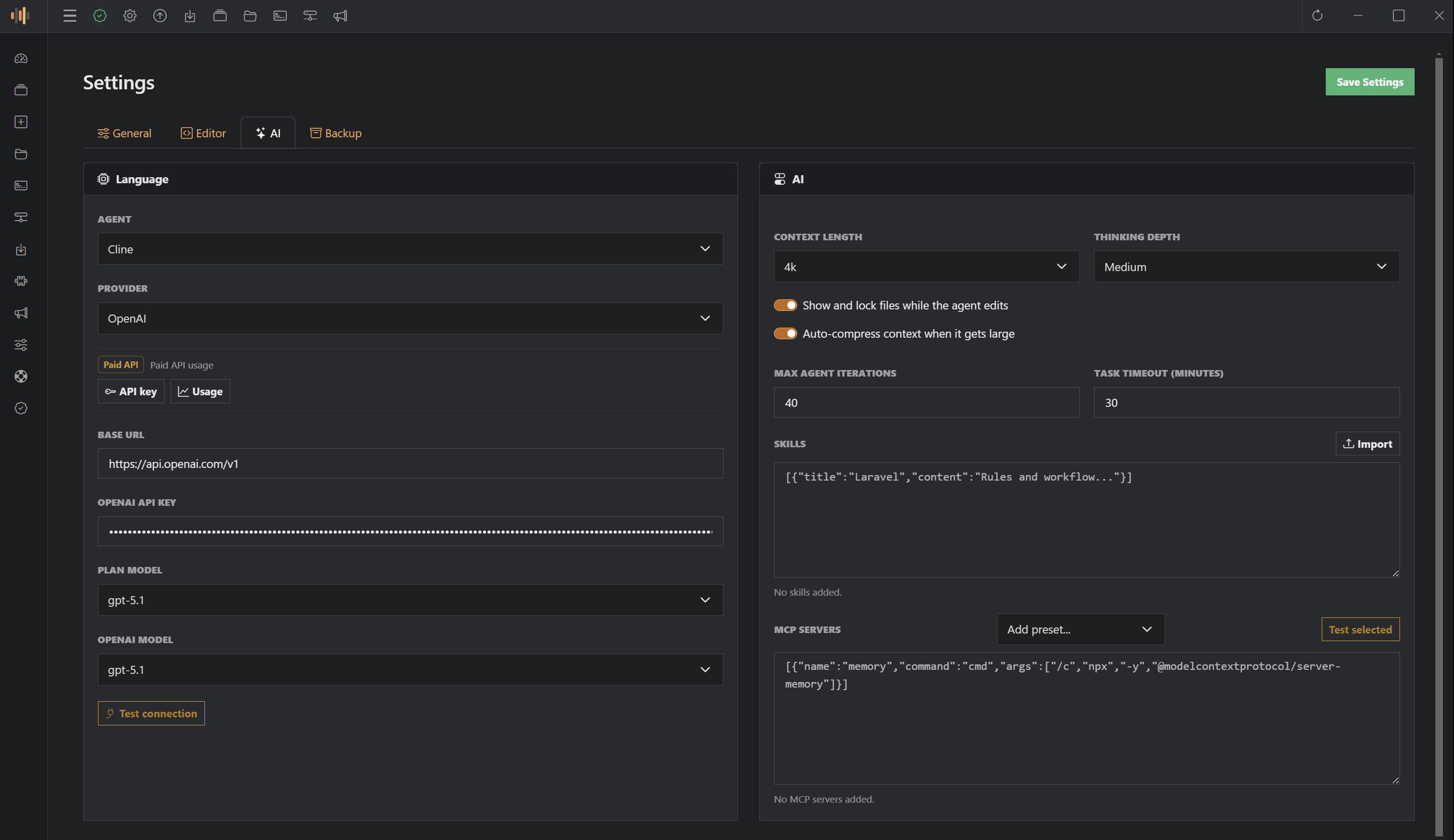
Ask ScriptExpert to inspect files, understand images, search your project, create or edit code, manage folders, work with databases and run terminal commands when Full access is enabled.

  • Plan and Act modes
  • Limited and Full access
  • Project context controls
  • Custom skills and tools
  • Custom MCP servers
  • Model and context shortcuts
  • Image and file understanding
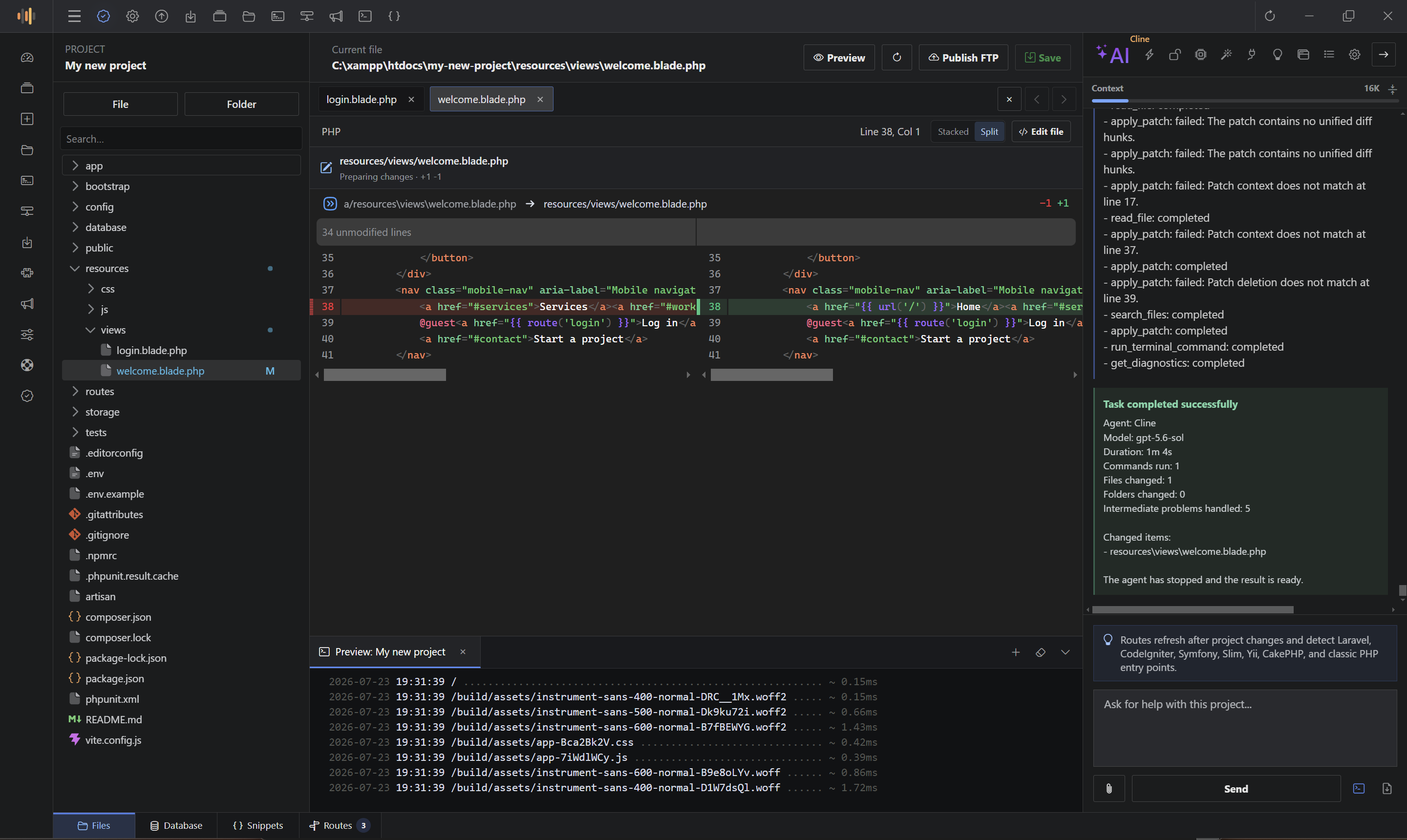
  • Live file edit previews
Read the AI Agent guide
Project-aware AI workflow
ScriptExpert AI Agent reviewing code changes
OpenAI OpenAI-compatible custom OpenRouter Groq Google Gemini GitHub Models Cerebras Together AI DeepSeek Mistral xAI LM Studio local Ollama local
Everything connected

From source files to database and browser preview.

ScriptExpert reduces context switching by putting the tools used in everyday web development inside one desktop application.

Integrated terminal

Run commands inside the active project with the configured shell.

Embedded browser

Preview web applications without leaving the editor.

Local server

Manage Apache, PHP and MariaDB from one control center.

Database manager

Browse databases, tables and rows; create tables and columns directly.

File manager

Create, rename, move, inspect and organize project files and folders.

Code editor

Ace-powered editing for PHP, HTML, CSS, JavaScript and more.

Snippets

Create reusable code snippets and organized snippet categories.

Project manager

Manage projects with custom settings, prompts, instructions and database data.

FTP publishing

Save or publish a file or complete project using project FTP settings.

Plugin system

Extend the application with free and paid plugins.

Work analytics

Track coding activity, file types, project size and workspace health.

Automatic updates

Check for and install application updates through the built-in updater.

Local development stack

Apache, PHP and MariaDB in one clean control center.

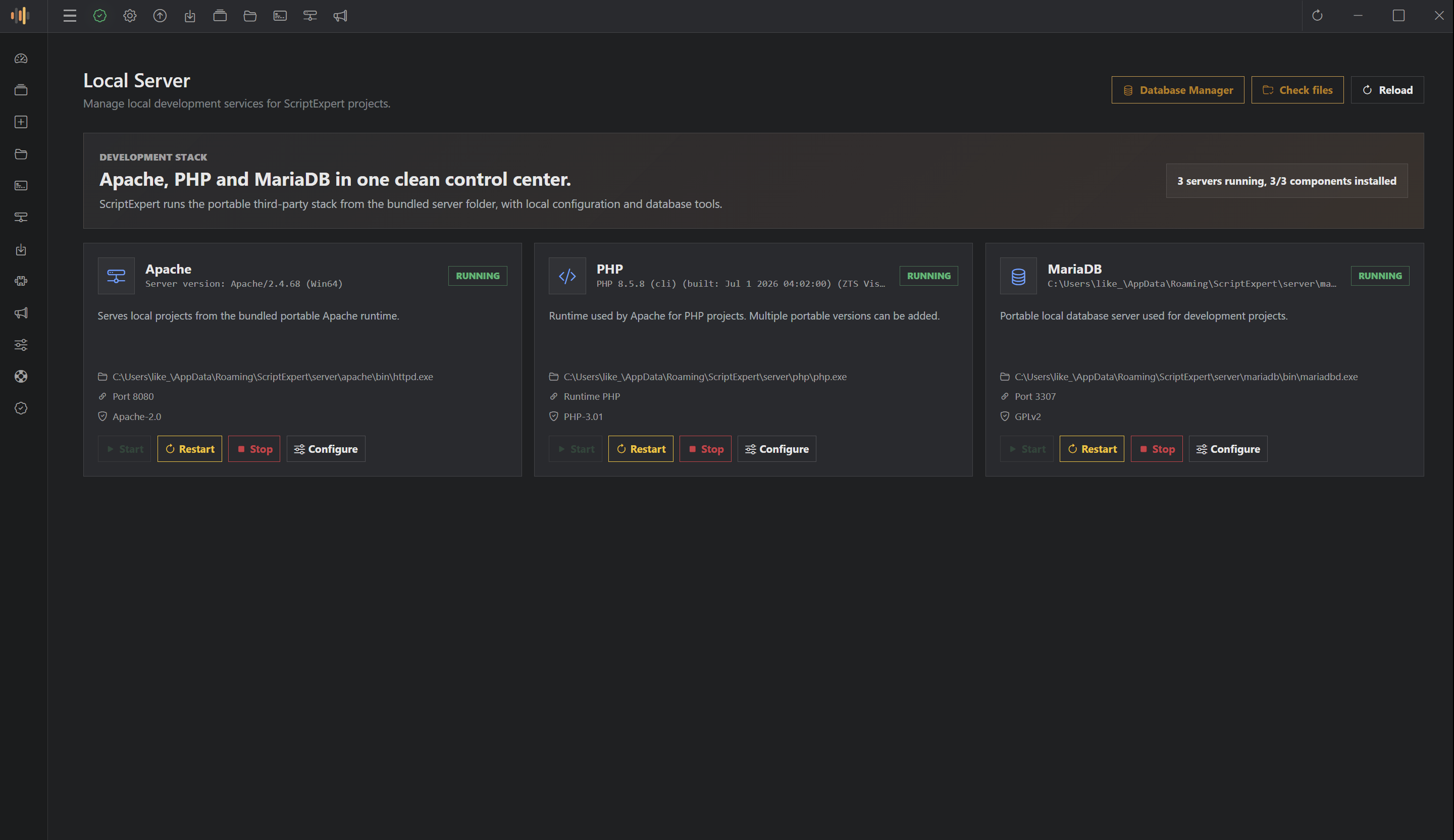
Start, stop, restart and configure the bundled local services. Open the database manager, verify components and keep project development local.

  • Portable development stack
  • Service status and controls
  • Multiple PHP runtime support
  • Direct database manager access
Local Server
ScriptExpert local server control center
Visual database tools

Manage MariaDB without changing applications.

Browse schemas and tables, inspect columns, read rows, import or export SQL, and create tables or columns directly from ScriptExpert.

See database features
MariaDB Manager
ScriptExpert MariaDB manager showing databases and columns
Personal workspace

Day and Night themes, plus 13 interface languages.

Choose the appearance that fits your environment and use ScriptExpert in English, German, Spanish, French, Italian, Hungarian, Portuguese, Romanian, Turkish, Greek, Russian, Arabic or Hindi.

EnglishDeutschEspañolFrançaisItalianoMagyarPortuguêsRomânăTürkçeΕλληνικάРусскийالعربيةहिन्दी
ScriptExpert Day theme editor
Simple editions

Start free. Upgrade when your workflow grows.

Download the free edition for Windows or Linux, then move to Pro for the complete professional toolset.

Free

Free to download

Start building with the essential ScriptExpert workflow.

  • Free support
  • Lifetime updates
  • Maximum 3 projects
  • Free plugins
  • Community support
  • Can upgrade to Pro at any time
Pro

49 EUR

The complete workspace for professional development.

  • Everything included in Free
  • Priority support
  • Free and paid plugins
  • AI Agent chat
  • Database manager
  • Snippets
  • Integrated local server
  • Save and publish to FTP
  • Unlimited projects
Testimonials

Make this section yours before launch.

The testimonial cards are fully configurable. Replace the included transparent placeholders with verified customer feedback.

Sample content

Replace this sample with a verified customer quote about the unified editor, AI and local-server workflow.

Customer nameRole or company
Sample content

Replace this sample with verified feedback about ScriptExpert reducing context switching during web development.

Customer nameRole or company
Sample content

Replace this sample with verified feedback about local AI models, project tools or cross-platform support.

Customer nameRole or company
Start building

Bring your editor, server, database and AI workflow together.

Download ScriptExpert for Windows or Linux and create your first project.