Project manager
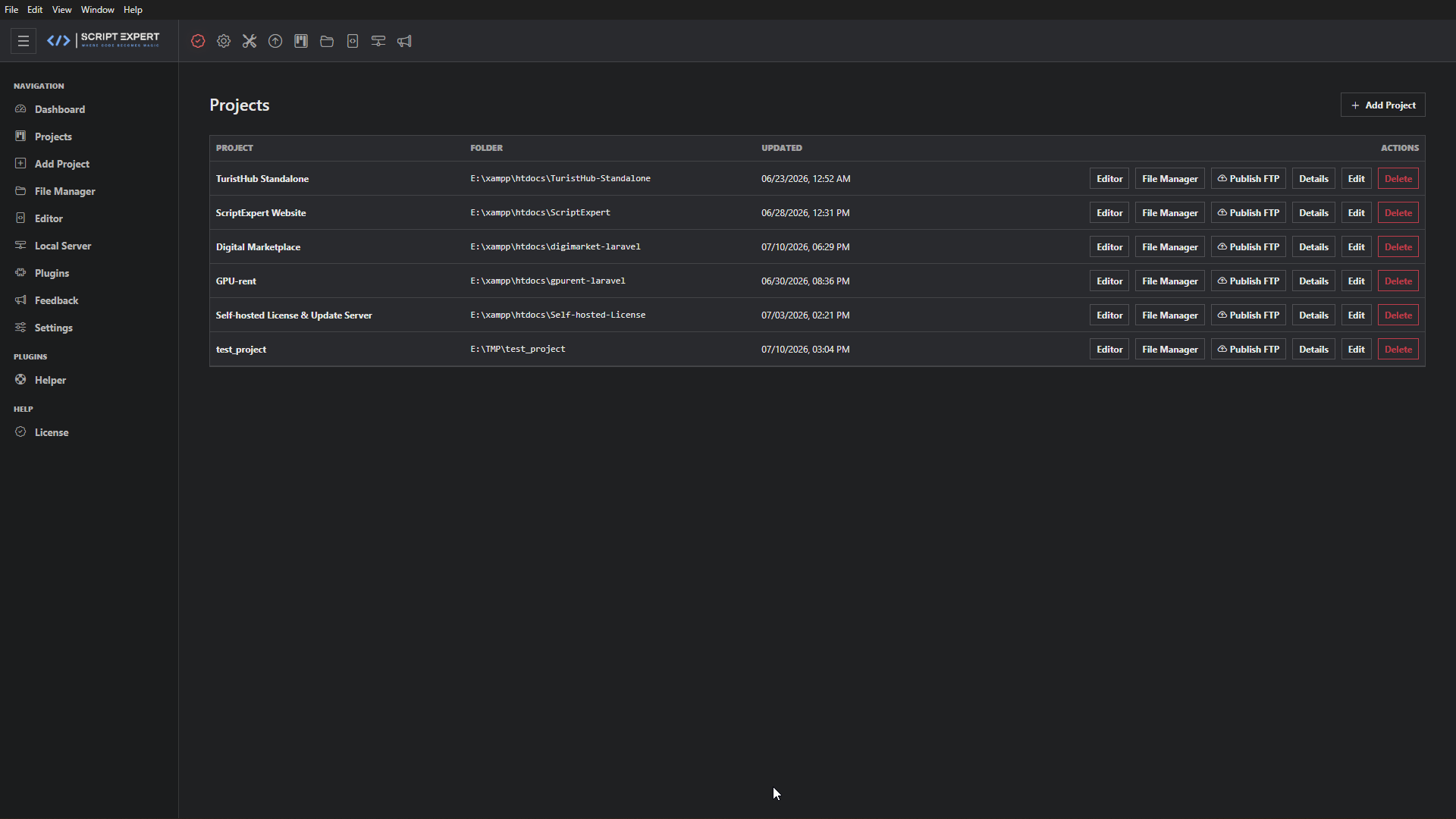
Create and organize projects, keep custom settings, set project prompts and instructions, select skills and MCP servers, and store database/FTP configuration.
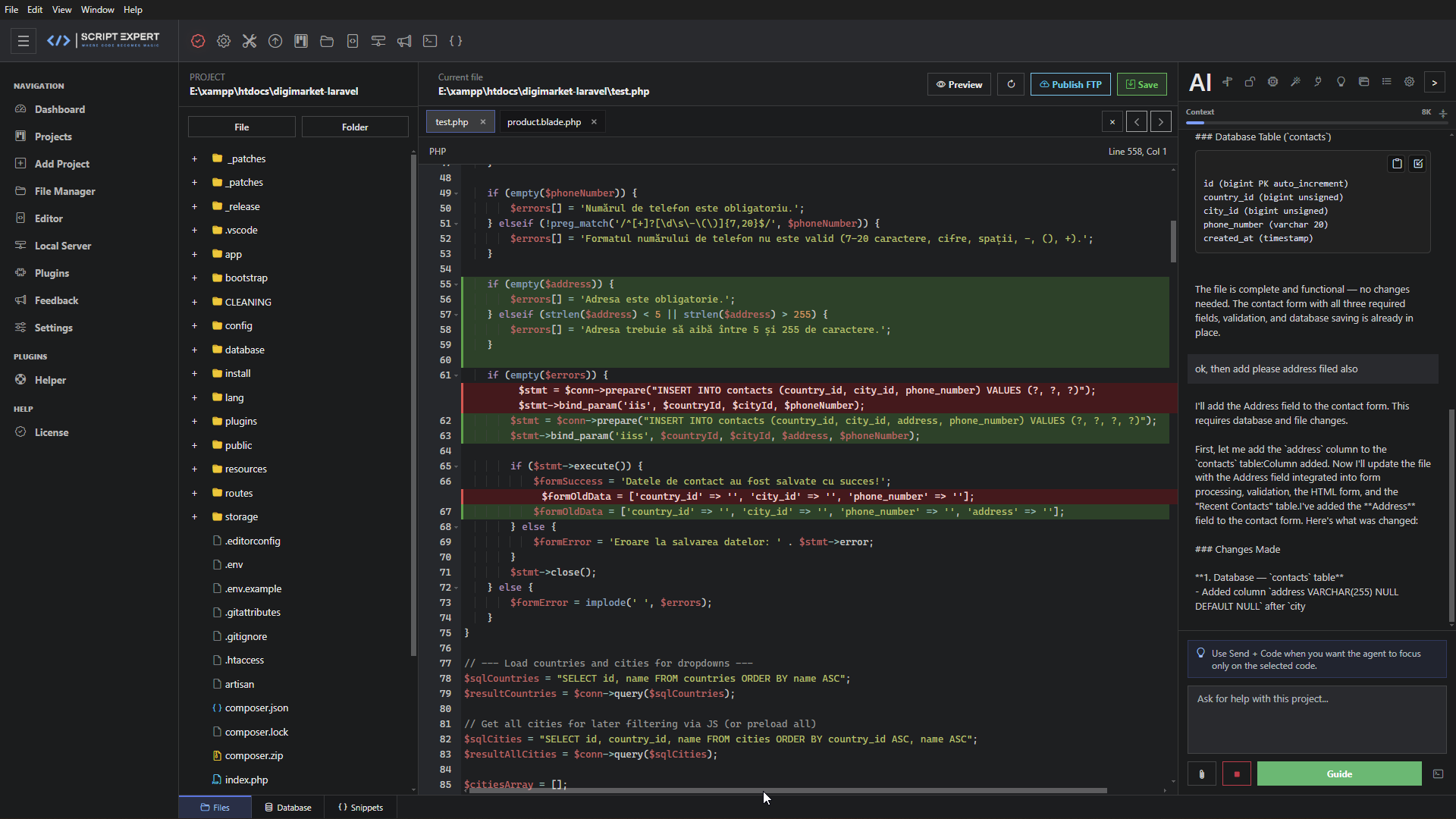
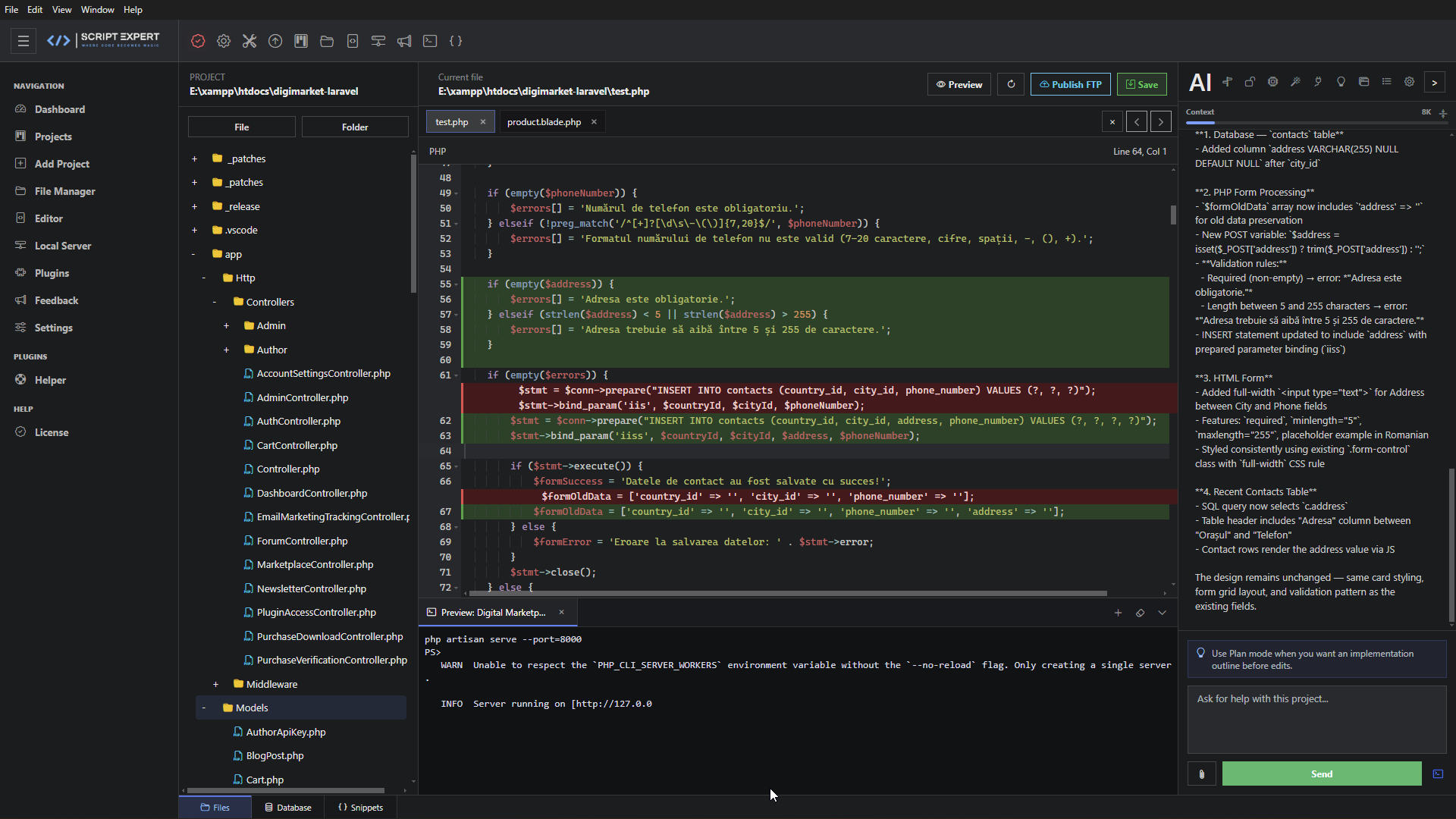
Explore the integrated AI Agent, editor, file system, terminal, local web stack, database tools, browser, snippets, plugins, publishing and project analytics.
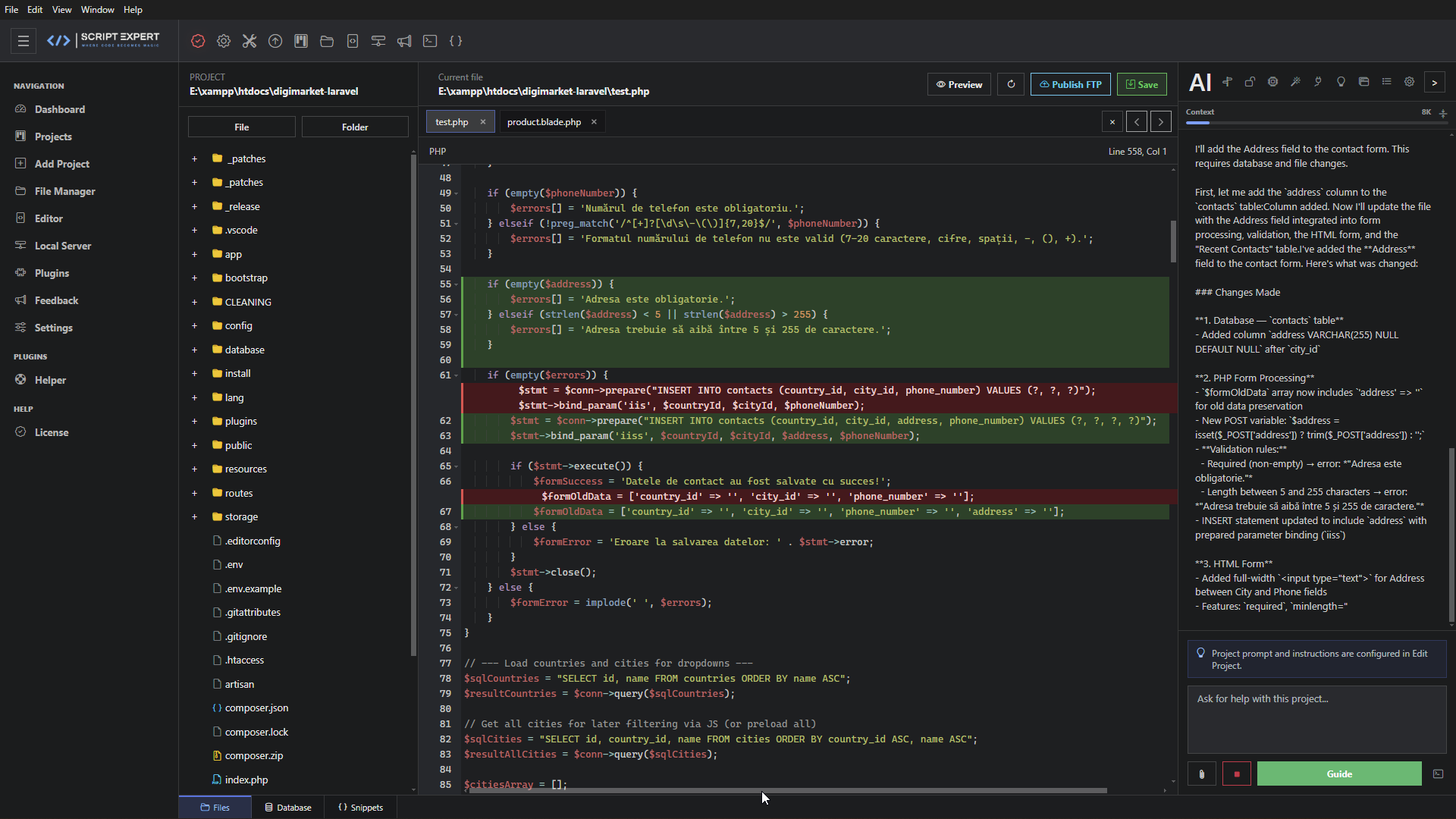
The Agent receives the active project context and can use approved tools to read, search, create, edit and delete project files or directories. It can inspect images, run terminal commands and interact with MySQL/MariaDB based on the selected access mode.
Mix cloud APIs, free-tier services, custom OpenAI-compatible endpoints and fully local models.
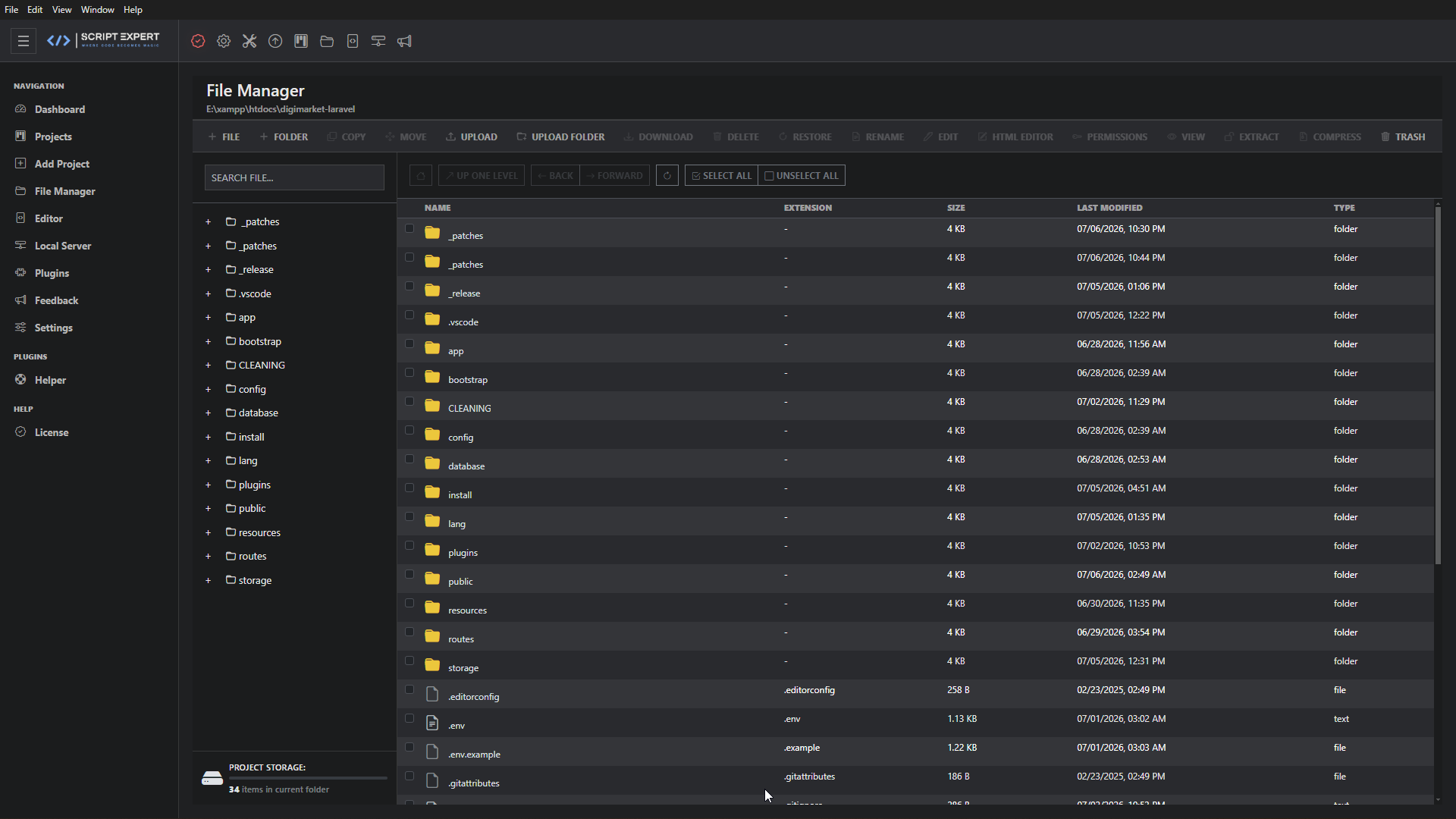
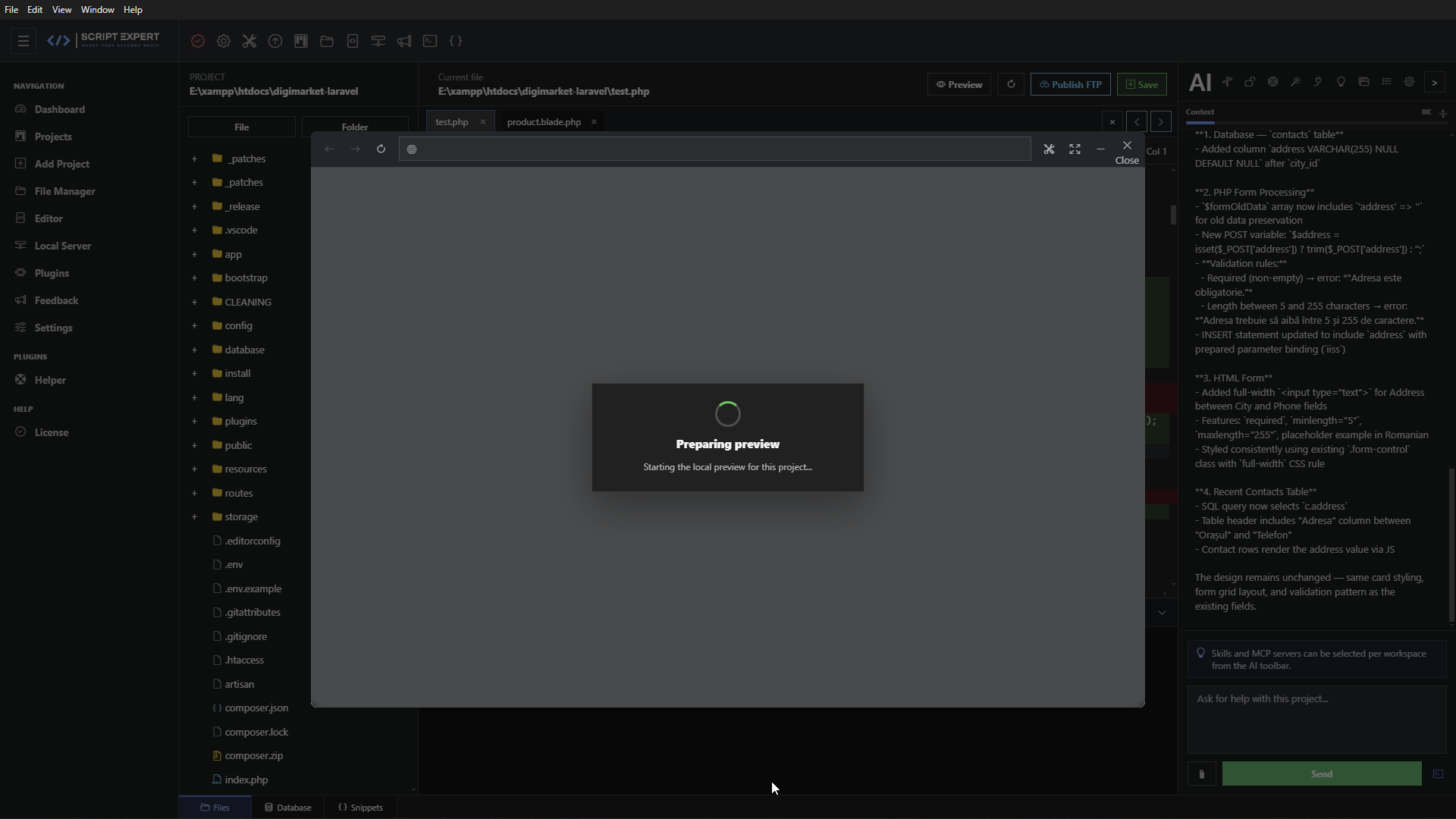
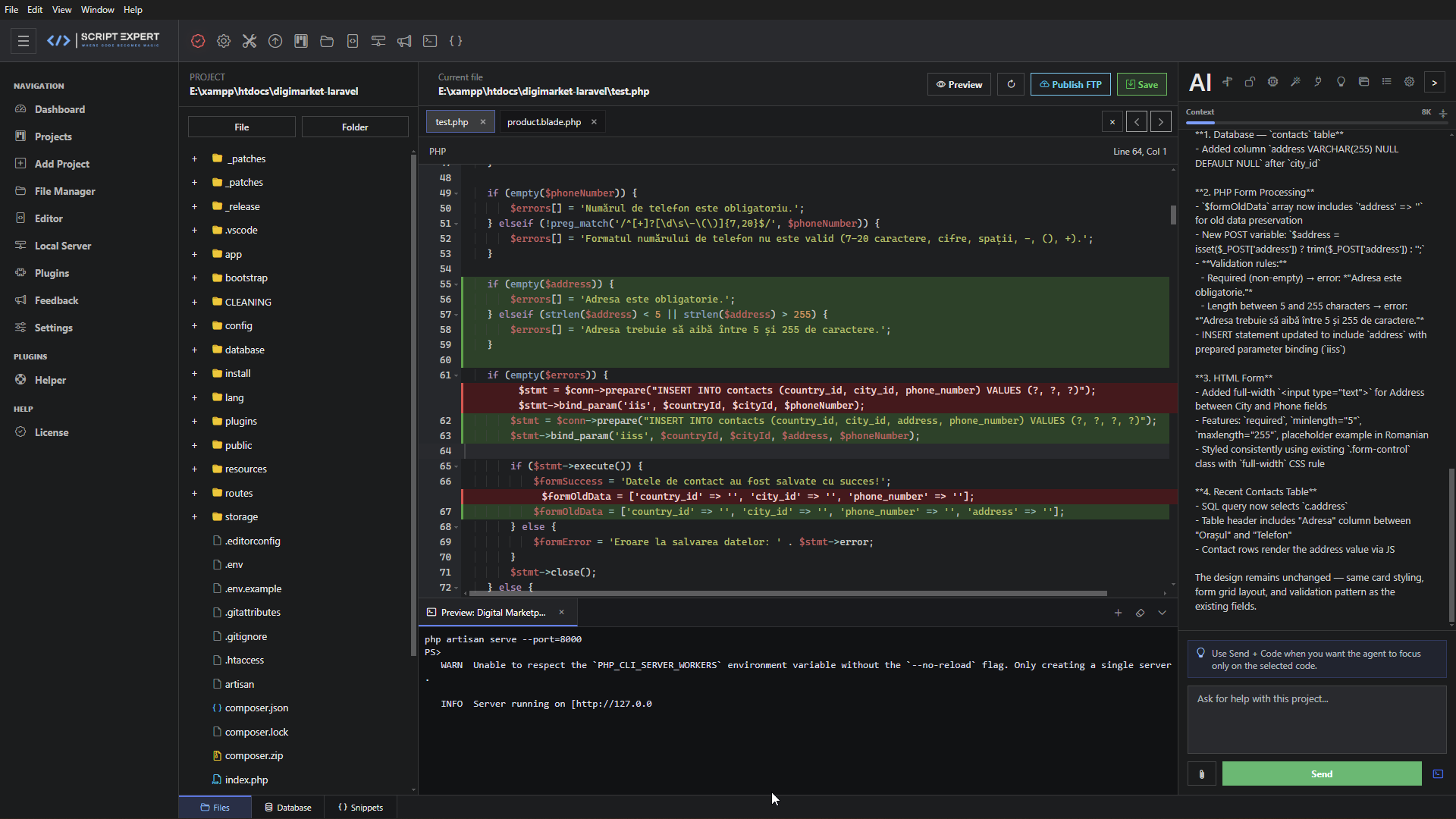
Use the integrated terminal with the active project as its working directory, then open your local application in the embedded browser. The browser includes navigation, reload and inspection controls.
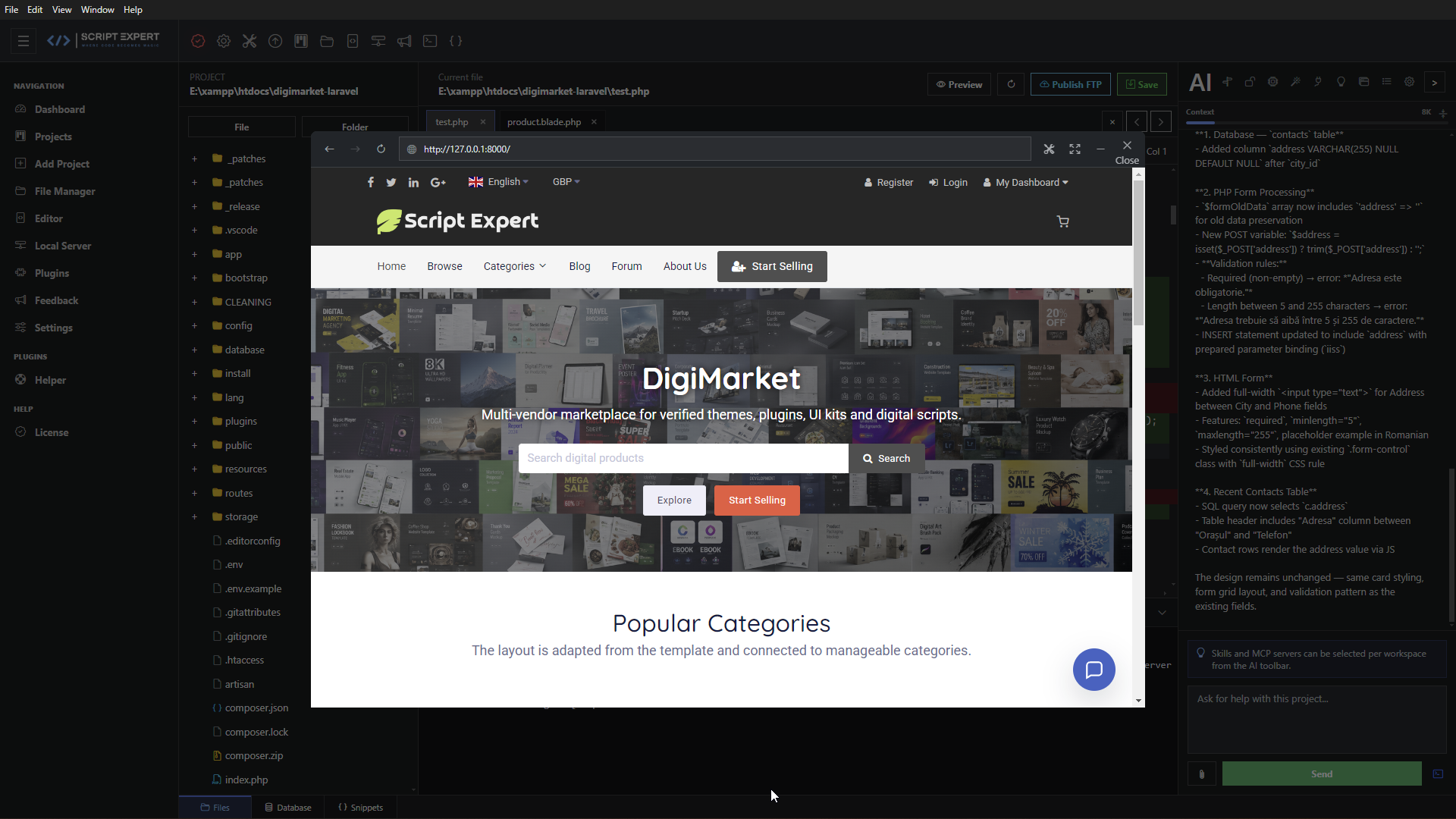
Manage Apache, PHP and MariaDB, verify installed components and open related tools from one page.
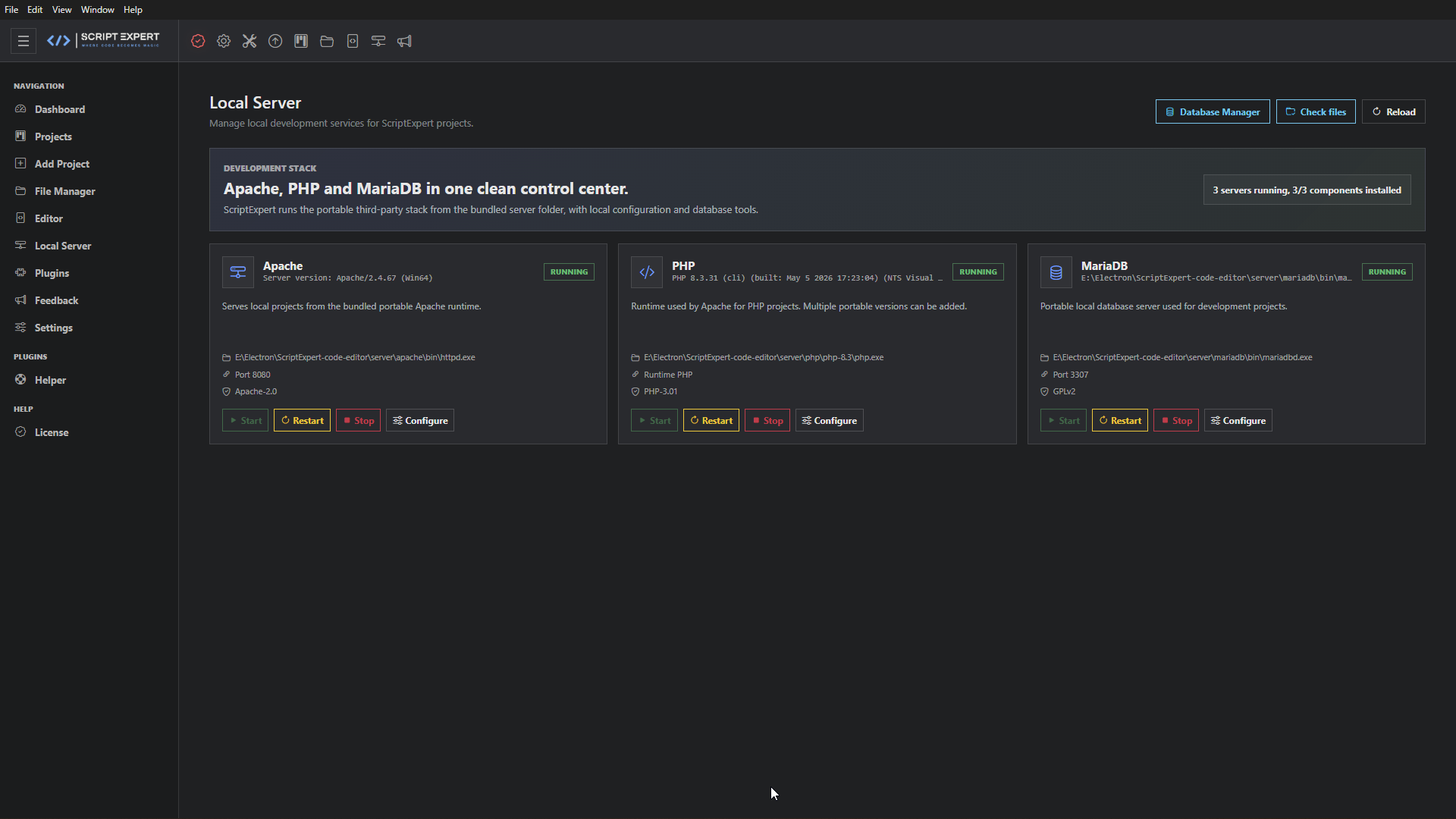
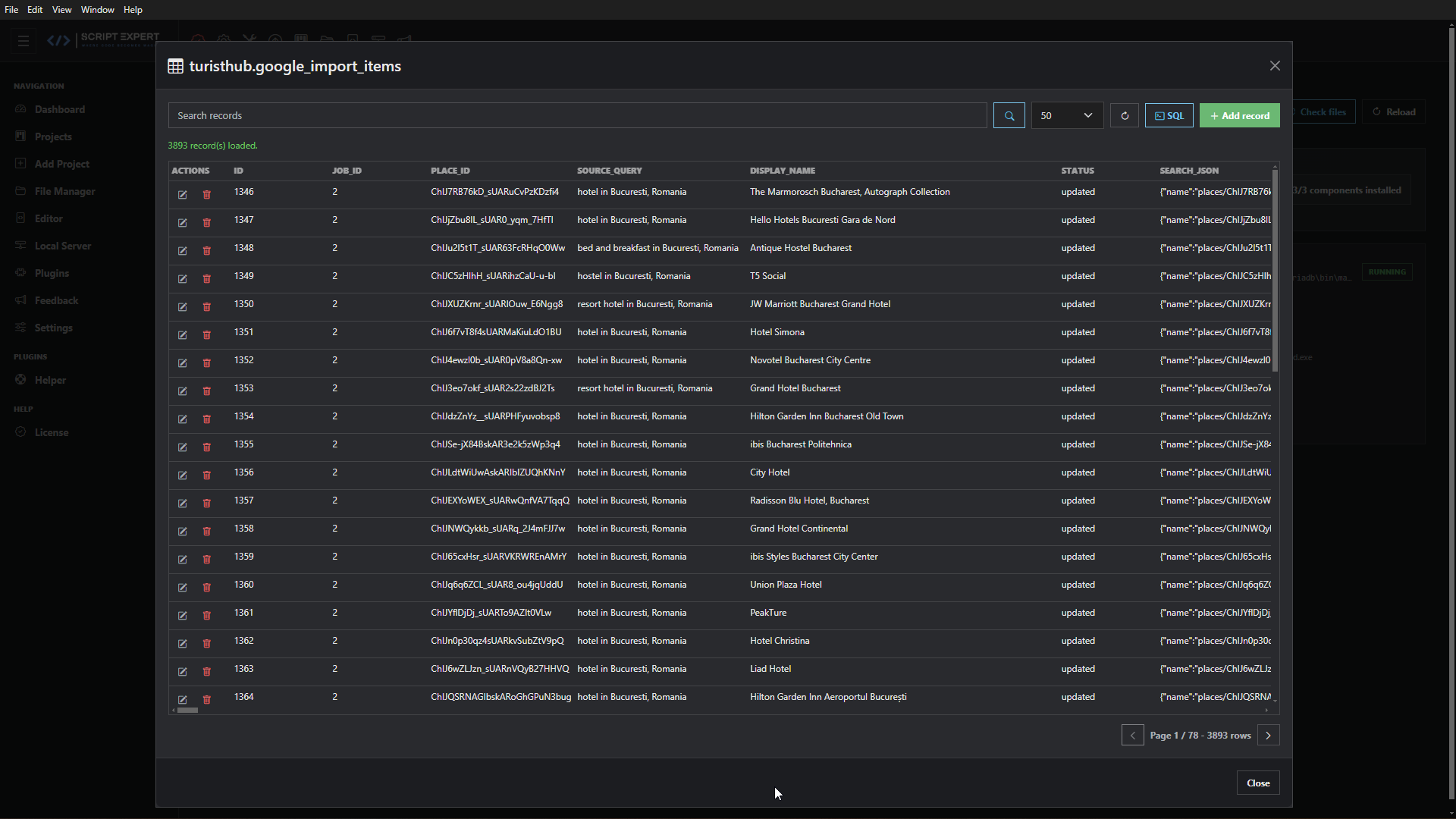
Create and organize projects, keep custom settings, set project prompts and instructions, select skills and MCP servers, and store database/FTP configuration.
Build a reusable library of categorized snippets and insert them while editing.
Publish a selected file or a complete project using its saved FTP configuration.
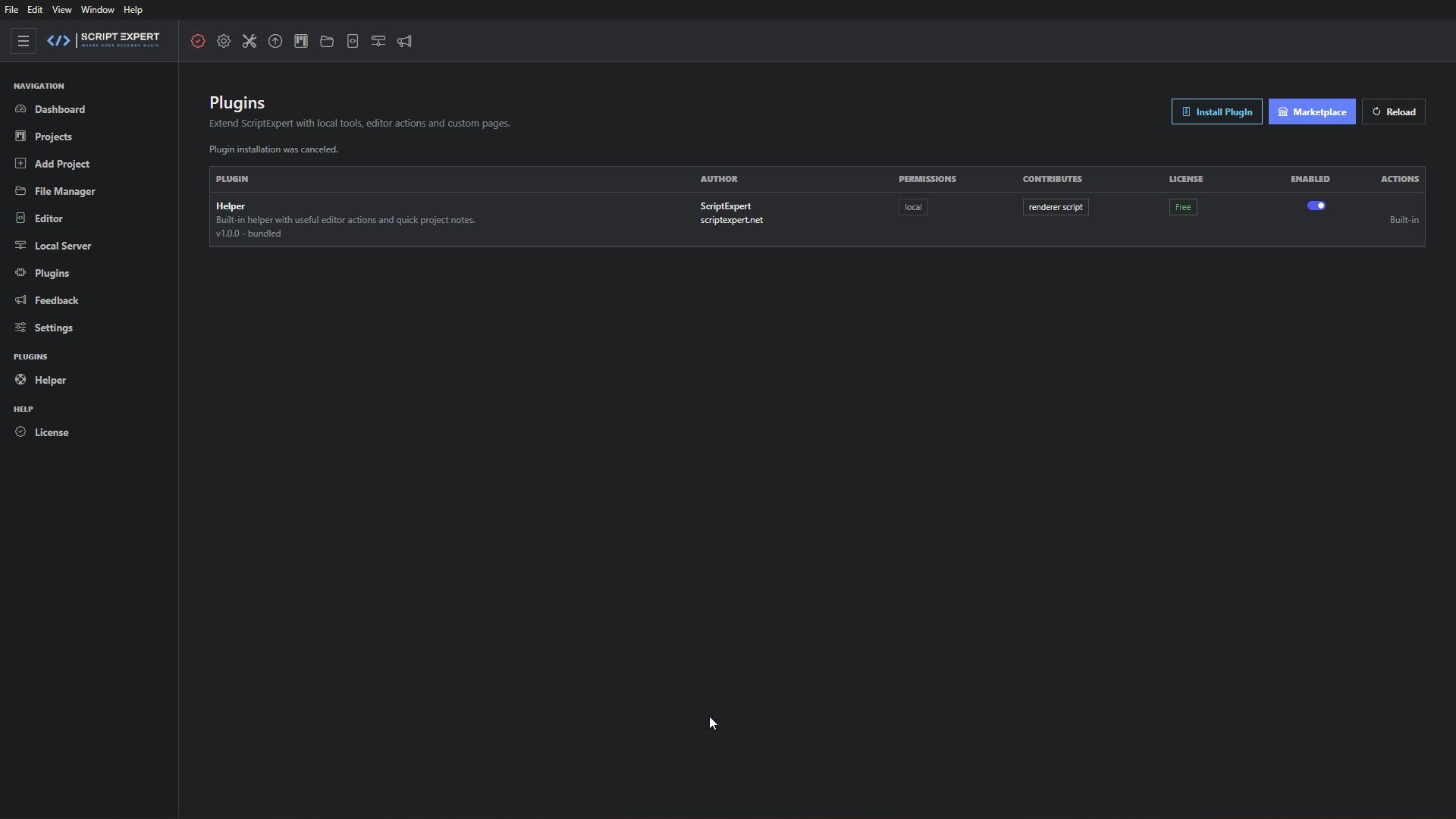
Install extensions and access free or paid plugins according to your edition.
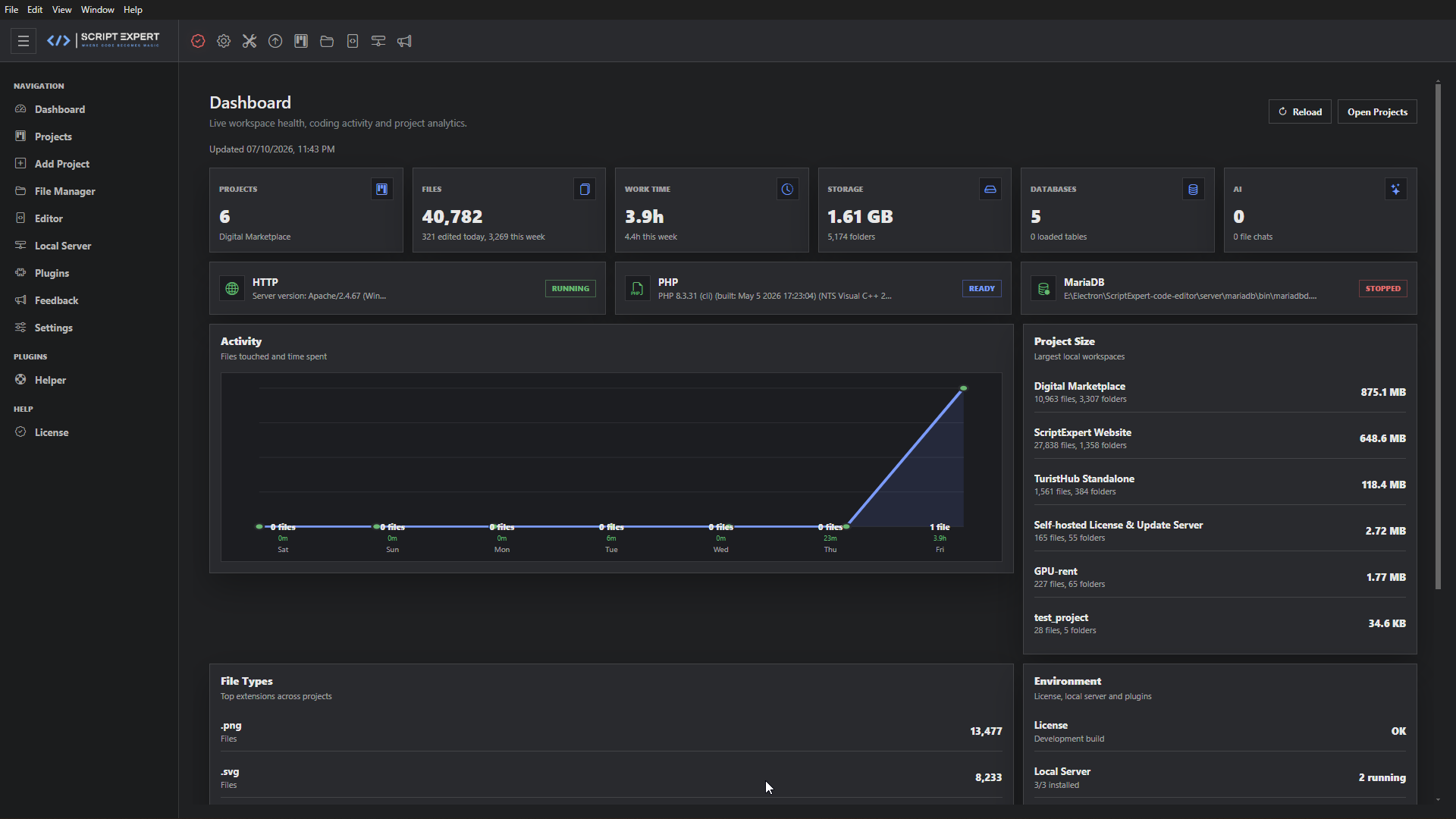
See workspace health, recent activity, total files, project sizes and common file types.
Check the update service, review availability and install supported releases from the application.
Switch between Day and Night themes from Settings.
Use the interface in English, German, Spanish, French, Italian, Hungarian, Portuguese, Romanian, Turkish, Greek, Russian, Arabic or Hindi.
Images are displayed without cropping. Select any image to open the original 1920 × 1080 capture.